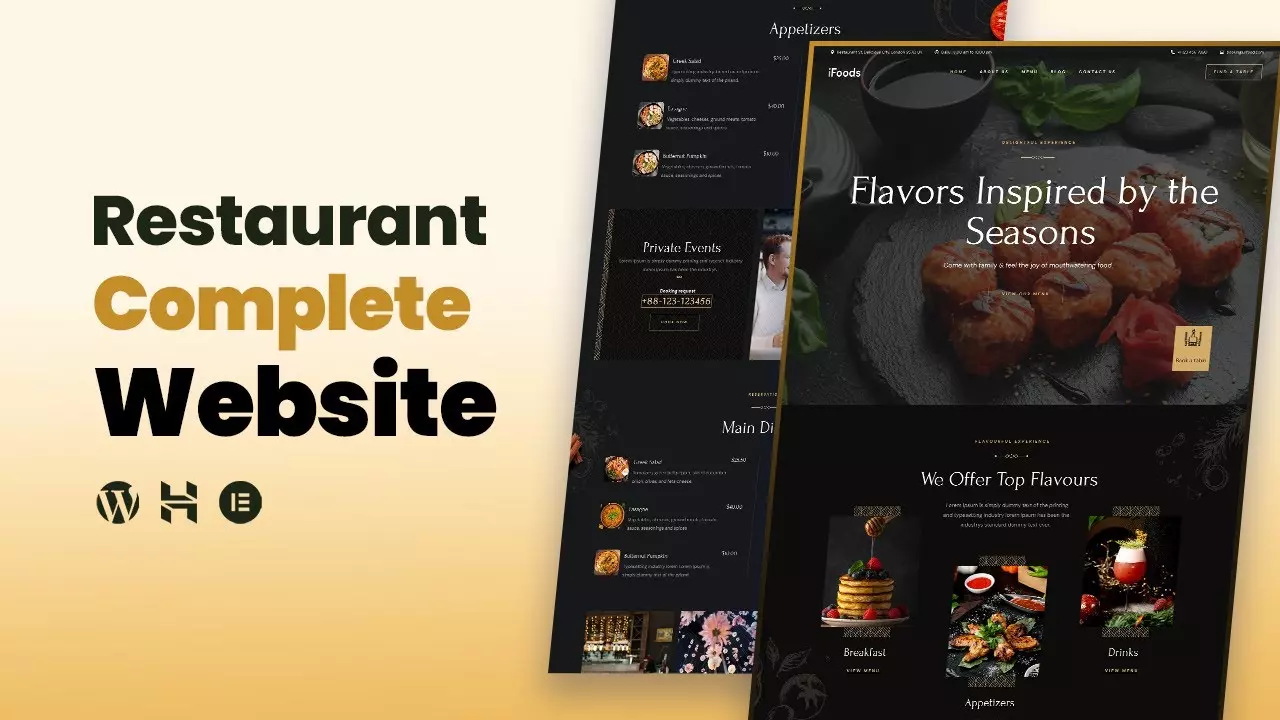
How to Create a Restaurant Website
The way people find and choose restaurants has fundamentally changed. It used to be that a prime location and a sign out front were enough to bring in the dinner crowd. Now, the first visit most customers make to your restaurant is not through your front door, it is through your website. They want to see your menu before they decide, they want to check if you have a table available tonight, and increasingly, they want to know if they can order directly from you without opening a third-party delivery app. This reality makes your website one of the most critical tools in your entire operation. But for busy restaurant owners, chefs, and managers, the thought of building and maintaining a site can feel like a huge burden.
What if there was a way to build a professional, fully functional restaurant website that is incredibly easy to create and even easier to manage? What if the tool that powers your site is one you already know how to use? This is where the idea of using a no-code builder that connects directly to a spreadsheet changes everything. You can discover the best restaurant website builder for easy page creation by looking at platforms that strip away the complexity and put the control back where it belongs, in your hands. And when you learn how to create a restaurant website with ordering using SpreadSimple website builder, you are not just building a site, you are building a system that works as hard as you do.
Why Your Restaurant Website Needs Built-In Ordering
Building a website with integrated ordering flips this model on its head. You keep the commissions, you own the customer data, and you control the entire experience from menu browsing to checkout. When you use a builder like SpreadSimple, you can offer online ordering directly from your site without paying those per-order fees . This is not just about saving money, it is about building a direct relationship with your customers. They order from you, they come back to your site, and you can market to them later with specials and events. It turns your website from a digital brochure into a revenue engine.
What Makes SpreadSimple Different
There are many ways to build a restaurant website, but SpreadSimple takes a unique approach that is perfectly suited for food service businesses. It is a no-code platform that uses Google Sheets as its content management system. If you have ever used a spreadsheet, and you almost certainly have, you already know how to update your website . You set up your menu in a Google Sheet with columns for item names, descriptions, prices, categories, and image URLs. Then you connect that sheet to SpreadSimple, and it instantly generates a beautiful, functional website.
This spreadsheet-based system is a game changer for restaurants. Menus change constantly. Prices fluctuate with suppliers, seasonal specials come and go, and new dishes appear while old ones retire. With a traditional website, every one of those changes requires logging into a CMS, finding the right page, and manually editing content. With SpreadSimple, you just edit the relevant cell in your spreadsheet, hit enter, and your live website updates automatically . It is that simple. You manage your site in the same place you manage your inventory and cost tracking, making it one seamless workflow.
The platform also understands what a restaurant needs beyond just displaying a menu. You get features like a fully functional shopping cart, a customizable order form, and the ability to set up shipping options for delivery or specify pickup times . You can connect payment gateways so customers can pay online securely. For those with physical locations, the Google Maps add-on helps customers find you easily . And because the sites are built to be mobile-friendly, your menu looks perfect on the phones your customers are using to find you.
Step-by-Step: Building Your Ordering System
Once your data is ready, you go to the website and sign up for an account. You click to create a new site and paste the link to your Google Sheet. Within seconds, the platform generates a working website from your data . You are then taken to a visual editor where you can customize the look and feel. You can choose from templates like the Cafe template which includes an intro section, product grid, and all the ordering components you need . You can adjust colors, fonts, and layouts to match your brand. You enable the shopping cart, configure your order form, and set up your payment gateway. When you are happy with the result, you hit publish and your site is live on its own domain.
Adding Advanced Features Like QR Code Ordering
Using SpreadSimple's URL Replacement Tags, you can capture that parameter and display it on the menu page, and more importantly, pass it through to the order form . When the customer places their order, the notification you receive, whether by email, WhatsApp, or collected in another Google Sheet, automatically includes their table number along with their food choices . This eliminates confusion, speeds up service, and creates a seamless contactless dining experience that customers have come to appreciate. Setting this up involves generating unique QR codes for each table with the appropriate URL parameters and then configuring the order form fields and notification templates to include that table data.